
This blog post was uploaded to my website automatically
The Plan
I wanted to be able to upload blog posts as easily as setting a status in Notion. I figured that if there was too much friction in posting to my blog, it wouldn’t happen regularly.
I also really wanted to be able to write and format my blog in Notion. I had a few reasons for this:
- I’m in Notion already
- It has enough flexibility, but not too much
- It is where I demonstrate my expertise, and doing this is another Notion skill
- It makes it easy for me to track where all my posts are up to
- I might be able to use AI to make elements of it easier, better, and more reliable.
The Steps
- Create the database for content
- Get ChatGPT to understand my intentions and sense check it
- Set up Codex in VS Code to be able to use Github and Notion, including workers
- Be the meat puppet between ChatGPT and VS Code
- Tell ChatGPT to be more conservative with tokens
- Reset my token limit when it ran out
- Keep on going, keep on going
- Test
Things I leant
Sometimes it’s easier to paste a screenshot than it is to explain everything.
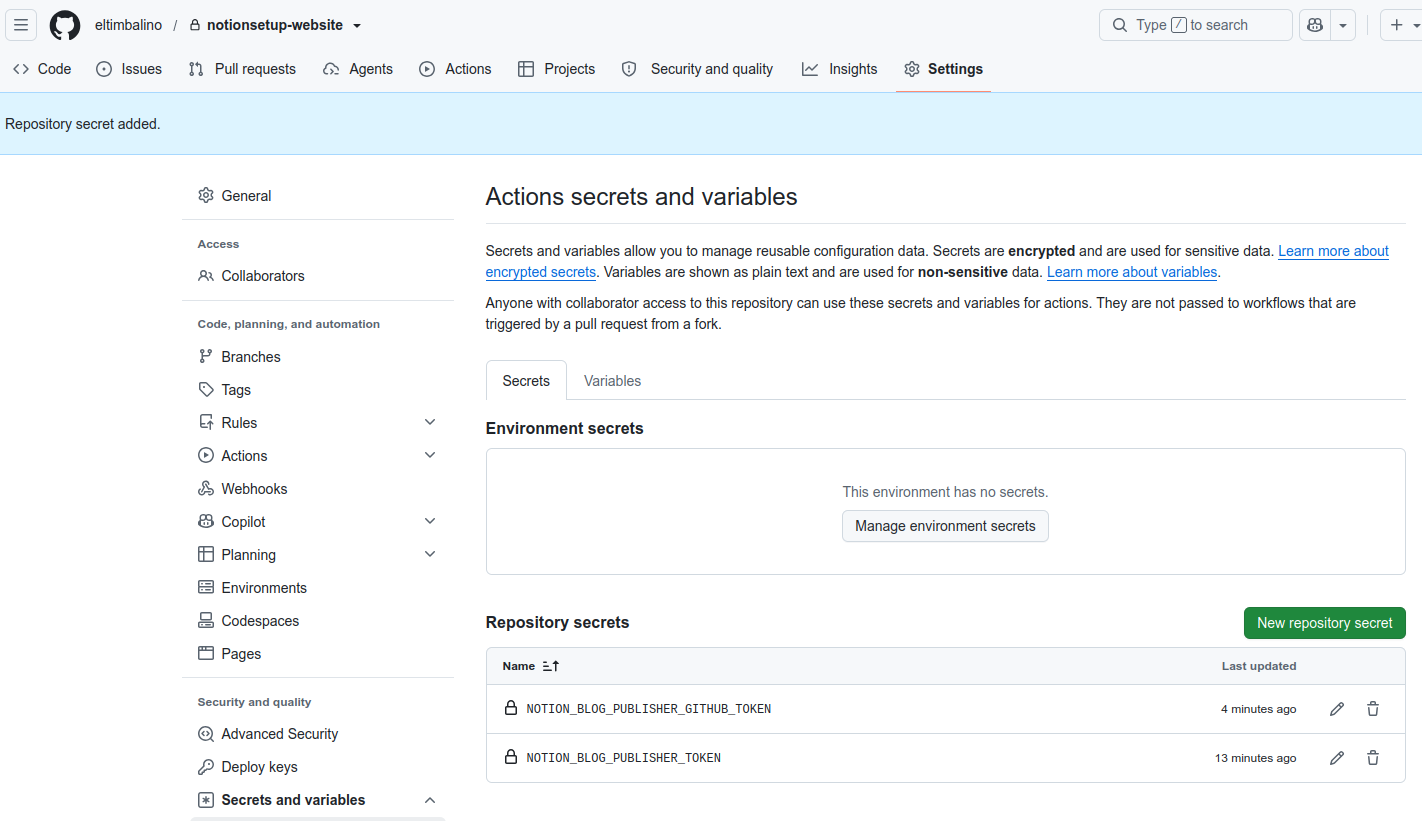
Here’s a screenshot of some settings. I really didn’t want to have to type all of this out.
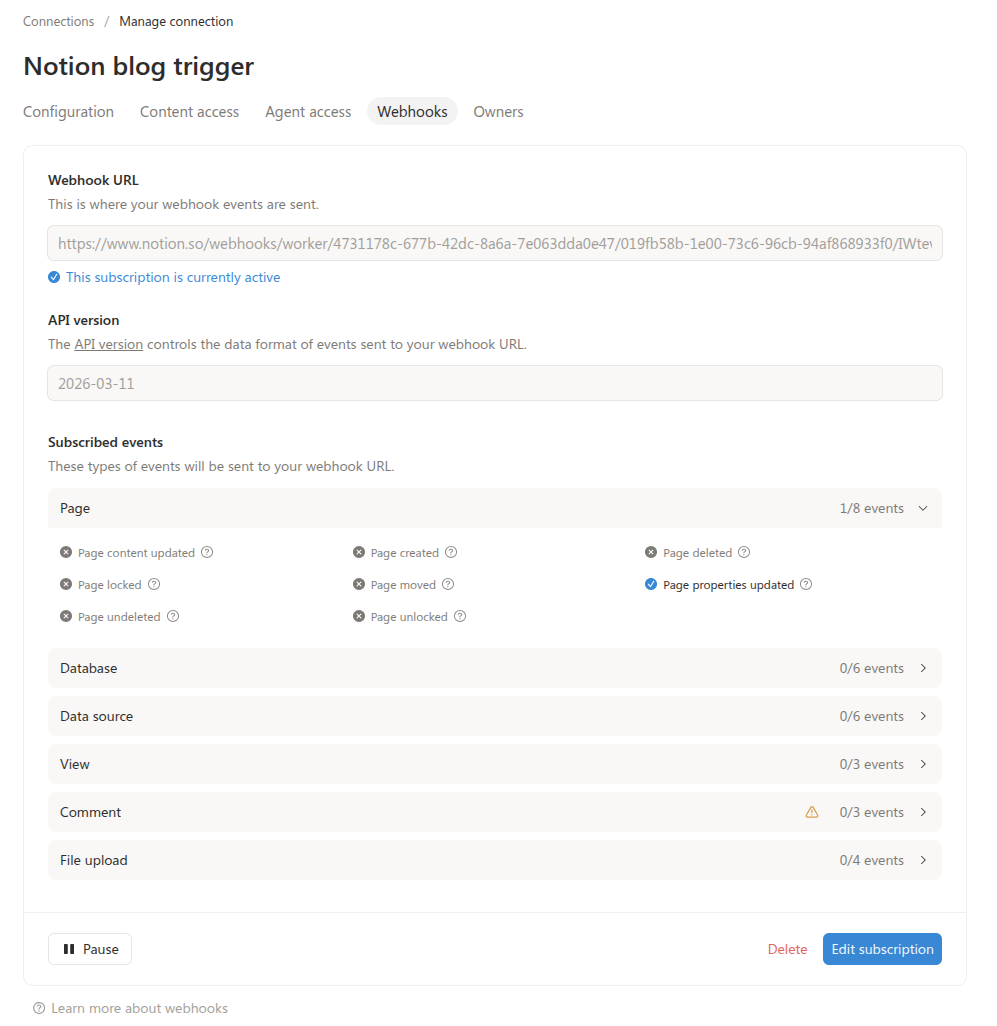
And this was another one.
- And
- A
- Bullet
- List
- To
- The
- Right
The easy things
The idea was simple
The hard things
AI made it a lot easier, or even possible. But it was really hard to understand what was going on. I think it gave me a headache.